
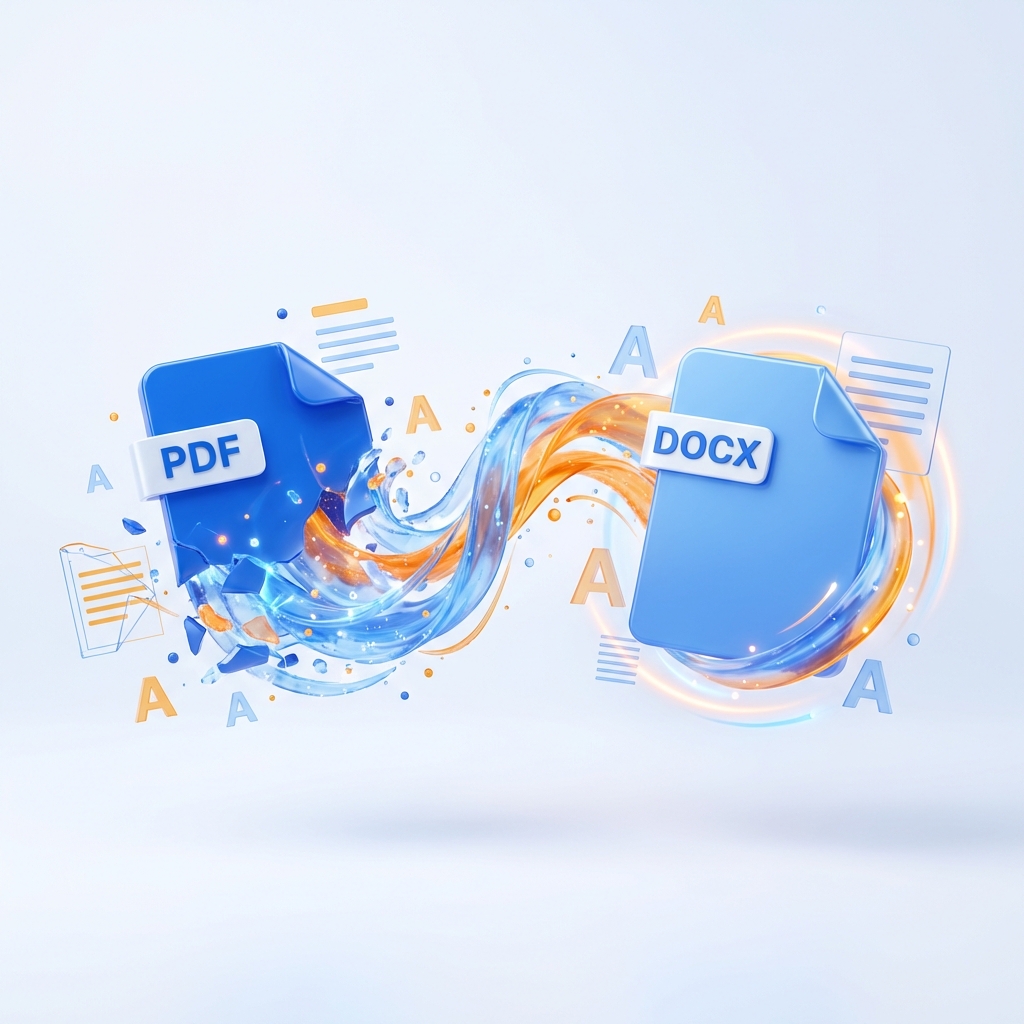
PDF to Word
Convert your PDF files into high-quality editable Word documents instantly.
What Is PDF to Word?
The PDF to Word converter is a powerful online utility designed to transform static PDF files into editable Microsoft Word documents (DOCX). Utilizing advanced Optical Character Recognition (OCR) technology, it accurately detects text, fonts, and layout structures, allowing you to modify content that was previously locked. Whether you need to extract text from a report, edit a contract, or repurpose an old document, this tool provides a seamless bridge between PDF and Word formats.
How to Convert PDF to Word Online (Step-by-Step)
Converting your documents is a straightforward process that requires no technical expertise. Follow these three simple steps to get your editable Word file in seconds:
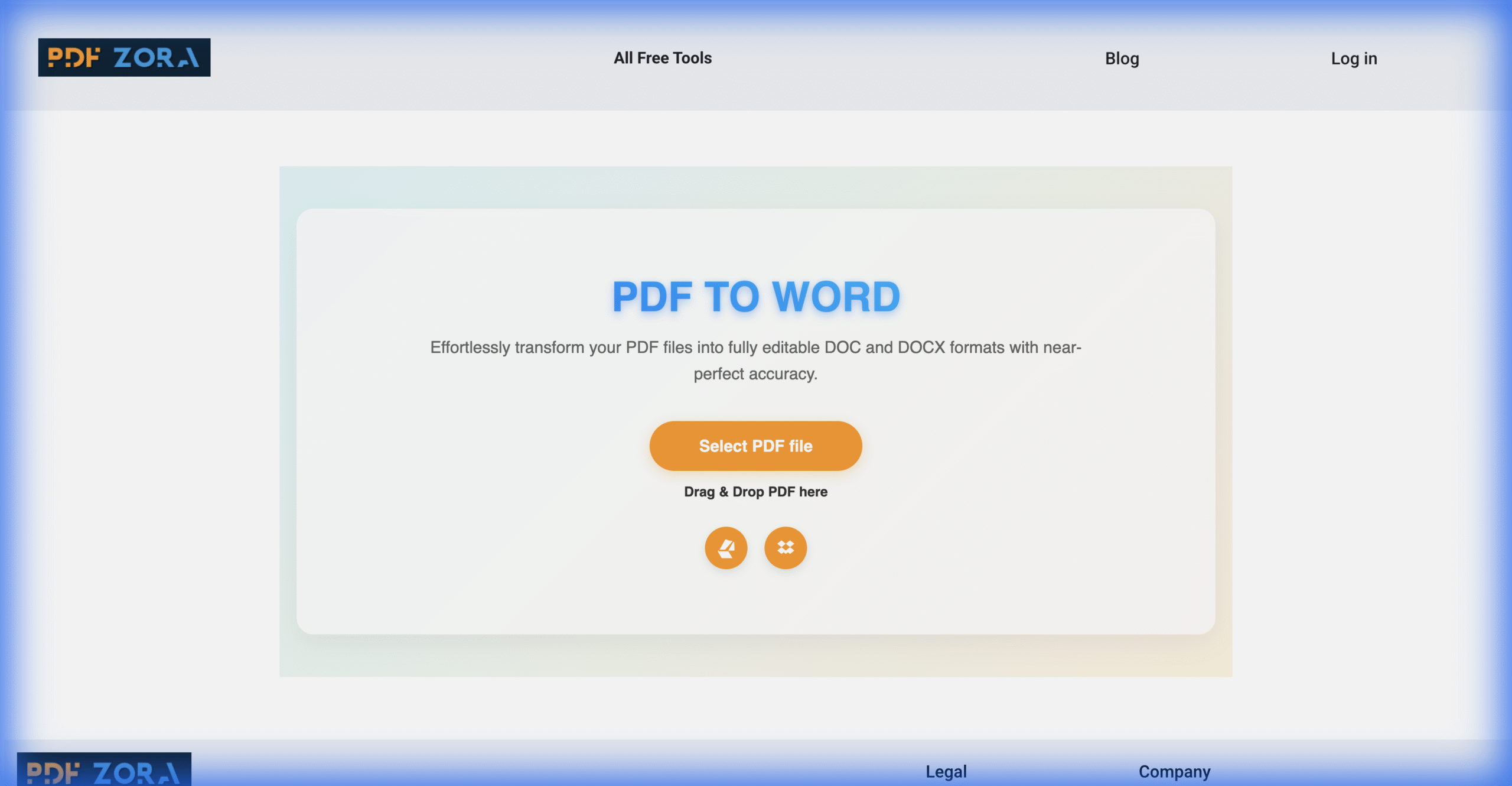
Upload your PDF
Click the "Select PDF files" button or drag and drop your document into the upload box.
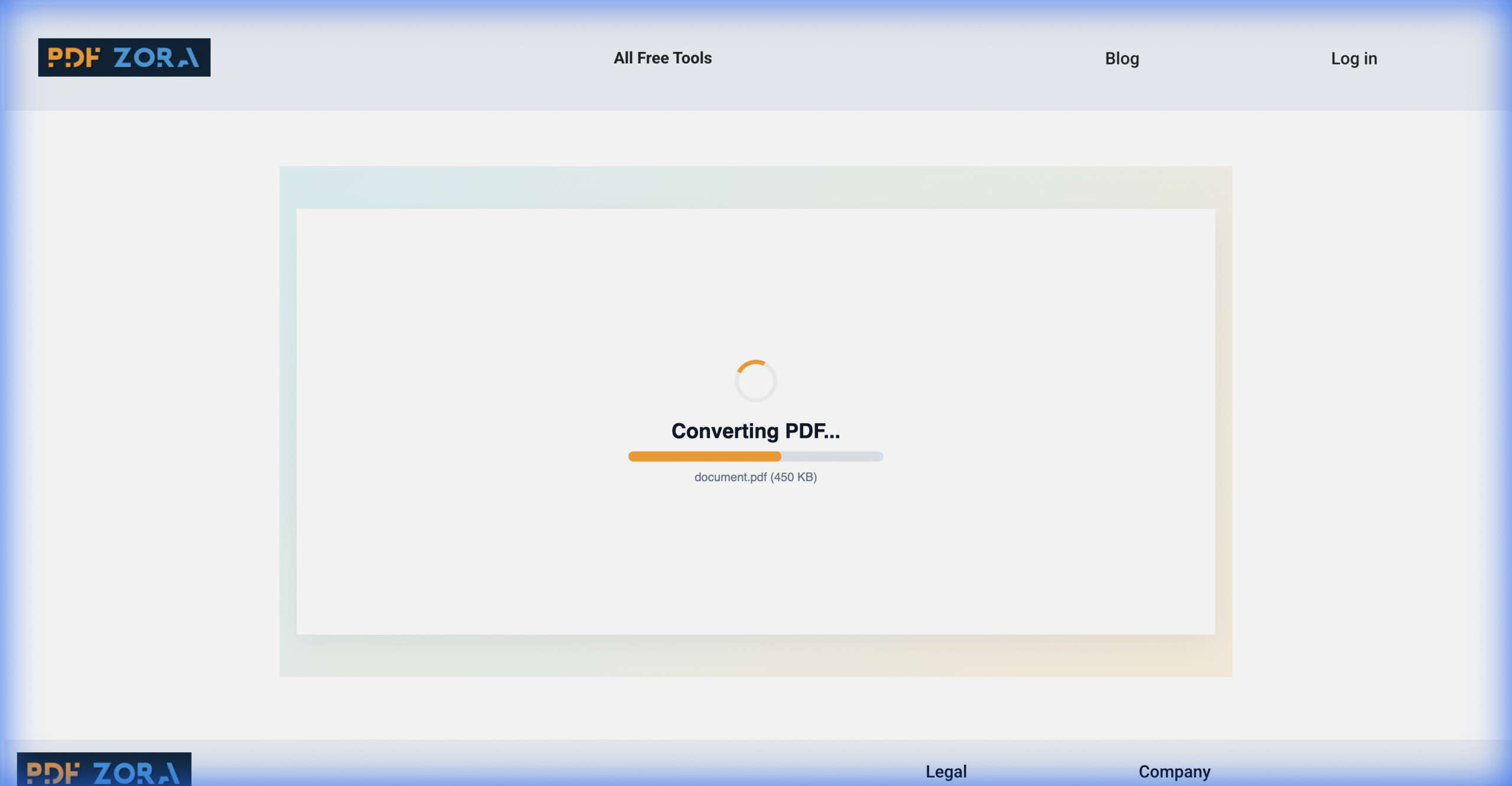
Click the convert button
Our intelligent engine extracts text and formatting to create a precise Word document.
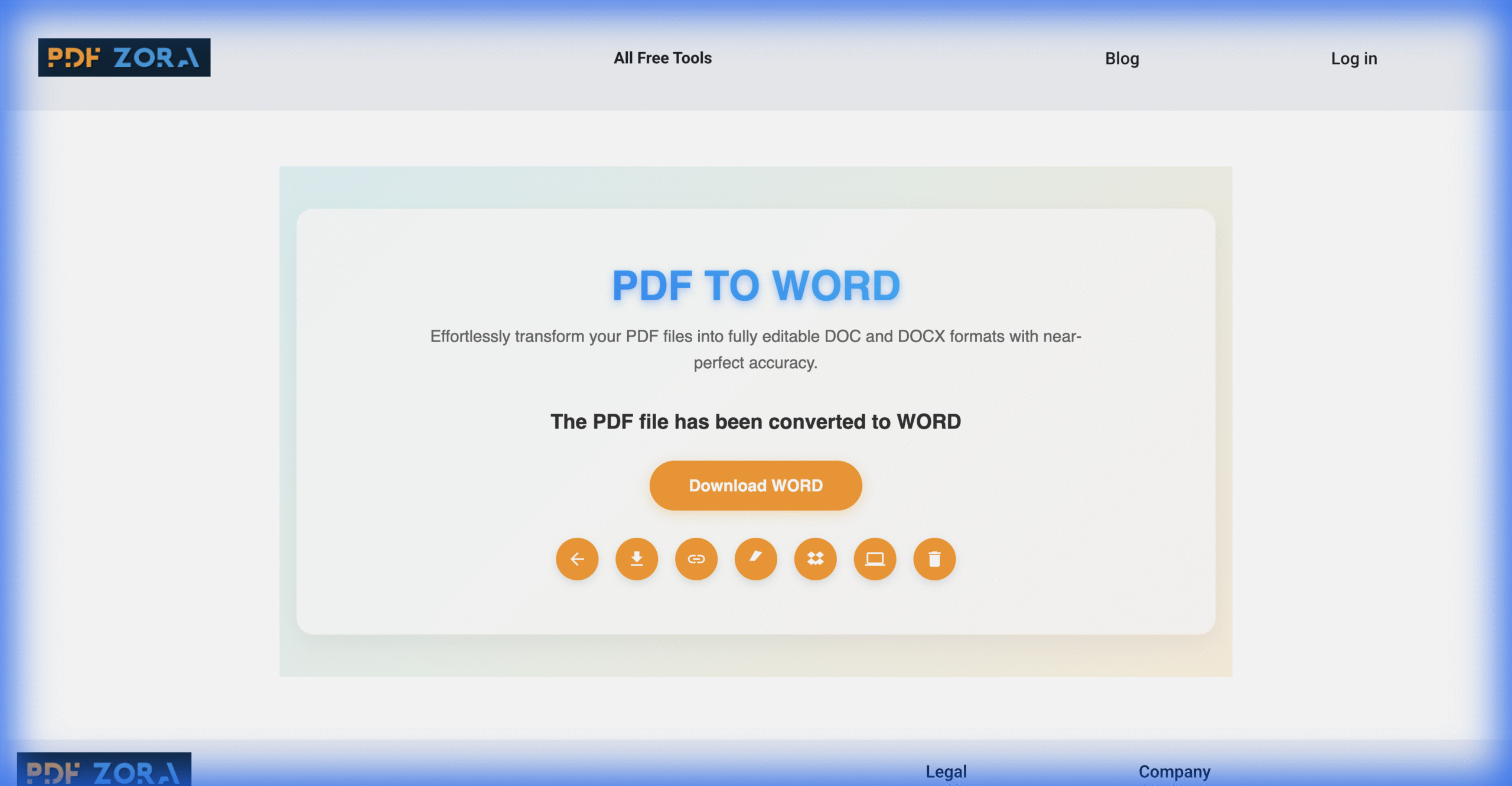
Download your Word file
Once finished, save your new editable document to your device.
Supported Formats
We ensure broad compatibility to handle all your document conversion needs relying on robust processing engines:
- Input Formats: PDF (Standard, Scanned with OCR, Encrypted/Password Protected, and PDF/A standards).
- Output Format: Microsoft Word (DOCX) - Fully compatible with Microsoft Word 2007, 2010, 2013, 2016, 2019, Office 365, and Google Docs.
Why Use PDF to Word on PDFZora?
PDFZora distinguishes itself by offering enterprise-grade conversion quality completely for free. Unlike many other tools that disrupt your formatting or miss images, our PDF to Word converter is engineered for:
- Unmatched Editability: We don't just extract text; we reconstruct the document so paragraphs flow, fonts match, and styles are preserved.
- Layout Precision: Tables, columns, and floating images are detected and placed correctly in the Word output, mirroring the original PDF.
- Zero Friction: No software to install, no accounts to create, and no email required. Just upload and convert.
Key Features
Our PDF to Word tool is packed with advanced features to maximize your productivity and document quality:
- Batch Processing: Upload multiple PDF files simultaneously and convert them all at once to save time.
- Smart Layout Detection: Our algorithms identify headers, footers, and sidebars to ensure they remain editable but distinct in the Word file.
- Scanned Document Support: Integrated OCR capabilities allow you to convert scanned PDFs and images into searchable, editable text.
- Cloud-Based Efficiency: All processing happens on our high-speed servers, so it works on any device without draining your battery or CPU.
PDF to Word Online vs. Offline Software
Choosing between an online converter like PDFZora and traditional offline software can depend on your needs, but for most users, the benefits of the cloud are clear. Here is a detailed comparison to help you decide:
| Feature | PDFZora Online | Offline Software |
|---|---|---|
| Cost | 100% Free | Expensive Licenses |
| Installation | None | Required |
| Accessibility | Any Device | Single Device |
Why Online Tools Are Better for Most Users
Online tools like PDFZora remove the friction from file conversion. You don't need to worry about updates, compatibility, or disk space. Just open your browser, upload, and you're done. It's the modern way to manage documents.
Is It Safe to Use Online Tools?
Yes, absolutely. We use enterprise-grade security measures to ensure your data is handled with the utmost care. Using an online converter is as safe as checking your email or banking online.
Security & Protection
Your privacy is our top priority:
- SSL Encryption: All data transfers are encrypted via 256-bit SSL.
- Auto-Deletion: Files are automatically deleted from our servers after 60 minutes.
- No Access: No human ever views your documents; the process is fully automated.
Common Use Cases for PDF to Word
- Students: Extracting text from lecture notes and research papers.
- Professionals: Editing contracts, resumes, and reports.
- Legal: Modifying legal agreements and forms.
Supported Devices and Browsers
PDFZora works seamlessly on:
- Operating Systems: Windows, macOS, Linux, iOS, Android.
- Browsers: Chrome, Safari, Firefox, Edge, Opera.
Frequently Asked Questions
Yes, PDFZora is completely free to use. You can convert your PDF documents to Word without any cost or account registration.
Absolutely. Our tool extracts text and formatting, creating a fully editable DOCX file that you can modify in Microsoft Word or Google Docs.
Yes. We use 256-bit SSL encryption and automatically delete all uploaded and converted files after one hour.
Yes, our advanced conversion engine handles scanned PDFs effectively, making the content editable.
Most PDF to Word conversions are finished in seconds, depending on the number of pages.
Yes, we aim to keep your original layout, fonts, and images as close to the original PDF as possible.
Yes, PDFZora works on all devices, including iPhones, Android phones, tablets, and computers.
Yes, use our Bulk Conversion feature to select and process multiple PDF files at once.
Explore More Tools
Word to PDF
Convert DOC and DOCX files to PDF instantly.
PDF to Excel
Extract tables from PDF to editable Excel spreadsheets.
PDF to PowerPoint
Turn PDFs into editable PowerPoint presentations.
JPG to PDF
Convert images to high-quality PDF documents.
Compress PDF
Reduce file size while maintaining document quality.
Merge PDF
Combine multiple PDFs into a single file online.
Try PDF to Word Online – Free on PDFZora
Start converting your PDFs to Word today. Experience the best online PDF conversion tool designed for students, professionals, and businesses. PDFZora provides a seamless, secure, and high-quality solution to handle your documents efficiently. Our PDF to Word tool ensures your formatting stays intact while delivering the fastest results. We value your privacy and time—no registration, no watermarks, just perfect documents every time.
Convert Now