
Add Page Number PDF
Add page numbers to your PDFs effortlessly. Customize size and typography to match your style.
Compare PDF
Compare documents side by side and instantly identify every change across versions.
Compress PDF
Compress your PDF without compromising quality
Crop PDF
Crop margins or select areas of your PDF. Apply changes to one page or the whole file.y
PDF Editor
Annotate your PDF with text, images, shapes, or freehand input. Modify the size, font, and color of inserted elements to ensure clarity and consistency.
Excel to PDF
Convert Excel spreadsheets into clean, easy-to-read PDFs.
HTML to PDF
Easily convert any web page into a high-quality PDF file.
Image to PDF
Convert your image to a PDF document with incredible accuracy
JPG to PDF
Convert JPG to PDF instantly. Customize orientation and margins with ease.
Merge PDF
Organize and combine PDF files effortlessly with a user-friendly merging tool.
OCR PDF
Turn scanned PDFs into searchable and selectable, editable files in seconds.
Organize PDF
Easily organize your PDF pages—reorder, delete, or add new ones whenever you need.
PDF to Excel
Extract data directly from PDFs into Excel spreadsheets in seconds.
PDF to JPG
Turn PDFs into JPGs or pull out all images from a PDF.
PDF to PDF/A
Convert and preserve documents in an archival PDF profile for long-term readability and consistent layout.
PDF to PowerPoint
Convert PDFs into fully editable PowerPoint presentations (PPT/PPTX) with ease.
PDF to Word
Convert PDFs into Word documents with exceptional precision – almost 100% formatting fidelity guaranteed
Protect PDF
Secure your PDFs with password protection. Encrypt documents to block unauthorized access.
PDF TEXT/RFT
Convert your PDF into clean, editable text in seconds—fast, accurate, and reliable
Word to PDF
Enhance readability by converting DOC and DOCX files into clean, accessible PDFs.
Remove PDF Pages
Delete unnecessary pages and create a streamlined PDF in seconds.
Repair PDF
Got a broken PDF? Please bring it back to life. Recover data and fix corrupted files fast with our advanced PDF repair tools.
Rotate PDF
Rotate single or multiple PDFs instantly, exactly the way you need.
Sign PDF
Sign documents yourself or request secure electronic signatures from others.
PDF to Image
Convert any PDF page into a high-quality image — fast, free, and watermark-free. Choose JPG, PNG, or WEBP. Just upload, select, and download!
PDF to HTML
Convert PDF to HTML preserving exact layout.
Split PDF
Upload to preview pages, edit order or remove pages, then split
Watermark to PDF
Add text or images to your PDF in seconds. Customize the font, transparency, and placement with ease.
Free Online PDF & Productivity Tools
Merge, split, compress, convert, edit, and organize PDFs online. PDFZora's current tools are free to use, require no account, and do not add watermarks. Some tools work in your browser; others may use temporary server-side processing. Learn more in our Privacy Policy.

Most Popular PDF Tools
Every tool you need to edit, convert, and manage your PDFs in one place
Essential Productivity Tools
Free online calculators, generators, and daily tools—no signups required


How PDFZORA Works in 3 Simple Steps
No software downloads and no account required. Processing method varies by tool.
Step 1 – Select a Tool
Choose any tool from our collection—whether you need to shrink a large file, join multiple documents together, or extract specific pages.
Step 2 – Add Your File
Add your file from your computer or phone. Some tools process it in your browser. If server-side processing is required, the file is sent over HTTPS.
Step 3 – Download & Complete
Download your result and check it before you share it. Temporary processing copies on PDFZora's systems are deleted within one hour (60 minutes) after processing finishes.
Why People Choose PDFZORA
PDFZora is an online platform for students, freelancers, and businesses who need everyday PDF tools. The current tools are free to use, do not require an account, and do not add watermarks.
Why PDFZora Exists
The Mission Behind PDFZORAPDFZora was created to make common PDF and productivity tasks simpler to complete online. Current tools are free to use, need no account, and handle files as described in the Privacy Policy.
Quick Tip: Need to email a file that is too big? Use Compress PDF to reduce file size while balancing quality and compression.
Browser or Server Processing
Some tools process files in your browser. When server-side processing is required, temporary processing copies on PDFZora's systems are deleted within one hour (60 minutes) after processing finishes.
HTTPS and Limited Retention
The site uses HTTPS. Access to file content is limited as described in the Privacy Policy.
Formatting Where Possible
Convert PDFs to editable Word documents while preserving formatting where possible. Check the result before you rely on it.
Works on Any Device
Open PDFZora's current tools in your browser on a computer, tablet, or phone. Nothing to install.


About Us – Our Mission
PDFZora was created to make common PDF and productivity tasks simpler to complete online. The current tools are free to use, with no account required, no intrusive popups, and no watermarks on exported files.
Who Relies On PDFZORA Daily?
Specific real-world document workflows designed for students, freelancers, and businesses.
Students & Researchers
Merge scattered lecture slides, compress heavy research papers to fit email attachment limits, and convert PDFs to editable Word documents for seamless academic citation.
Freelancers & Agencies
Compress portfolio PDFs while balancing quality and file size, sign client contracts, and extract pages, with no account and nothing to install.
Small Business & HR
Split multi-page resume batches, password-protect sensitive payroll reports, and convert spreadsheets. The site uses HTTPS.
Why Use PDFZora?
Current tools are free, need no account, and do not add watermarks.
Convert & Process Popular File Types
Supported formats vary by tool. Check each tool page for supported file types, limits, and output formats.
PDF Documents
Support depends on the tool. File-size limits can vary, so check the tool page before uploading.
Microsoft Office
PDF to Word, PDF to Excel, PDF to PowerPoint, Word to PDF, and Excel to PDF pages are available. Check each page before uploading.
Images & Graphics
JPG to PDF and PDF to JPG pages are available. Other image types are listed only if that tool page says they are supported.
Cross-Platform Support
Open the tools in a current browser on a computer, tablet, or phone. Nothing to install.
Why Users Choose PDFZORA
Frequently Asked Questions
Everything you need to know about PDFZORA's free online document suite and security policies.
Latest Articles & Helpful Guides
Step-by-step tutorials from our official blog to optimize PDFs, protect privacy, and master mobile document editing.
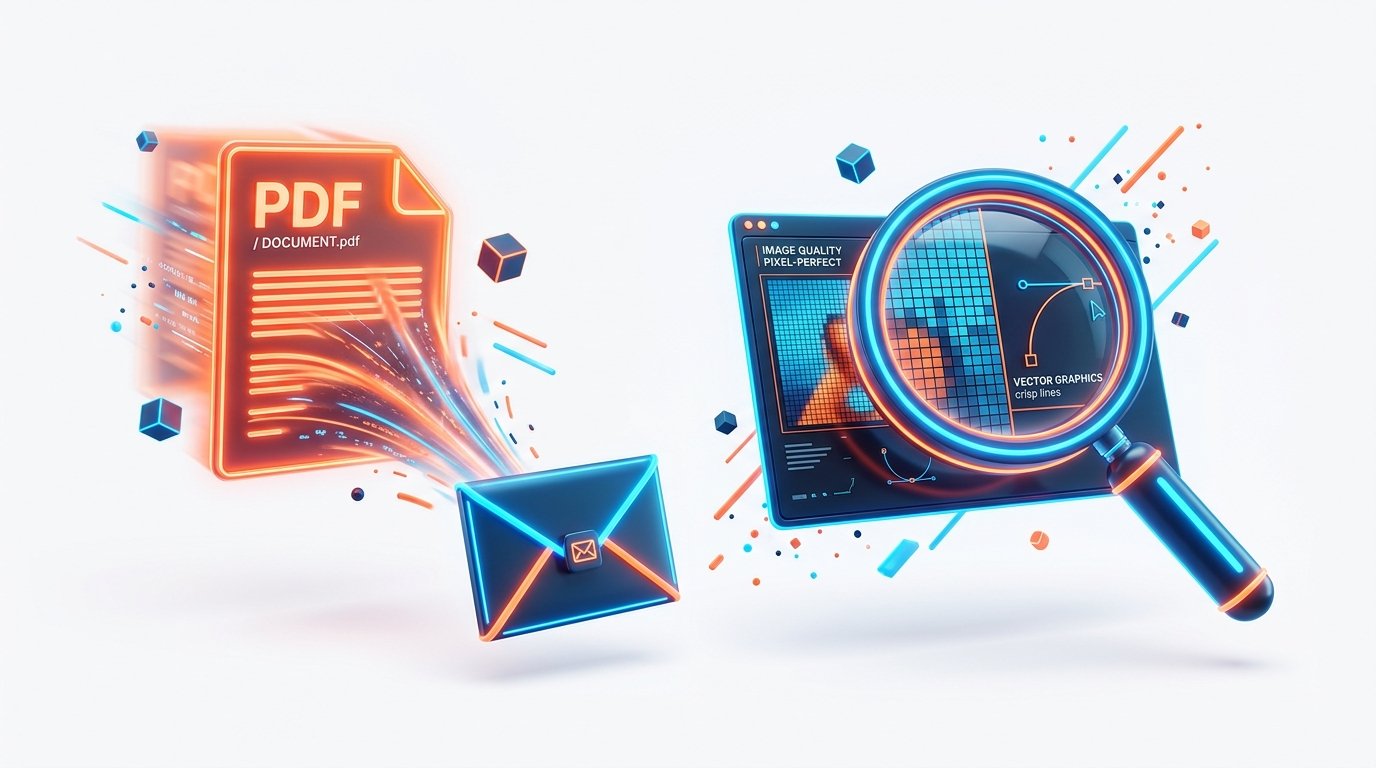
How to Compress a PDF
A guide to reducing PDF file size while balancing quality and compression. Results vary by file. No account is required.
Read Full Guide →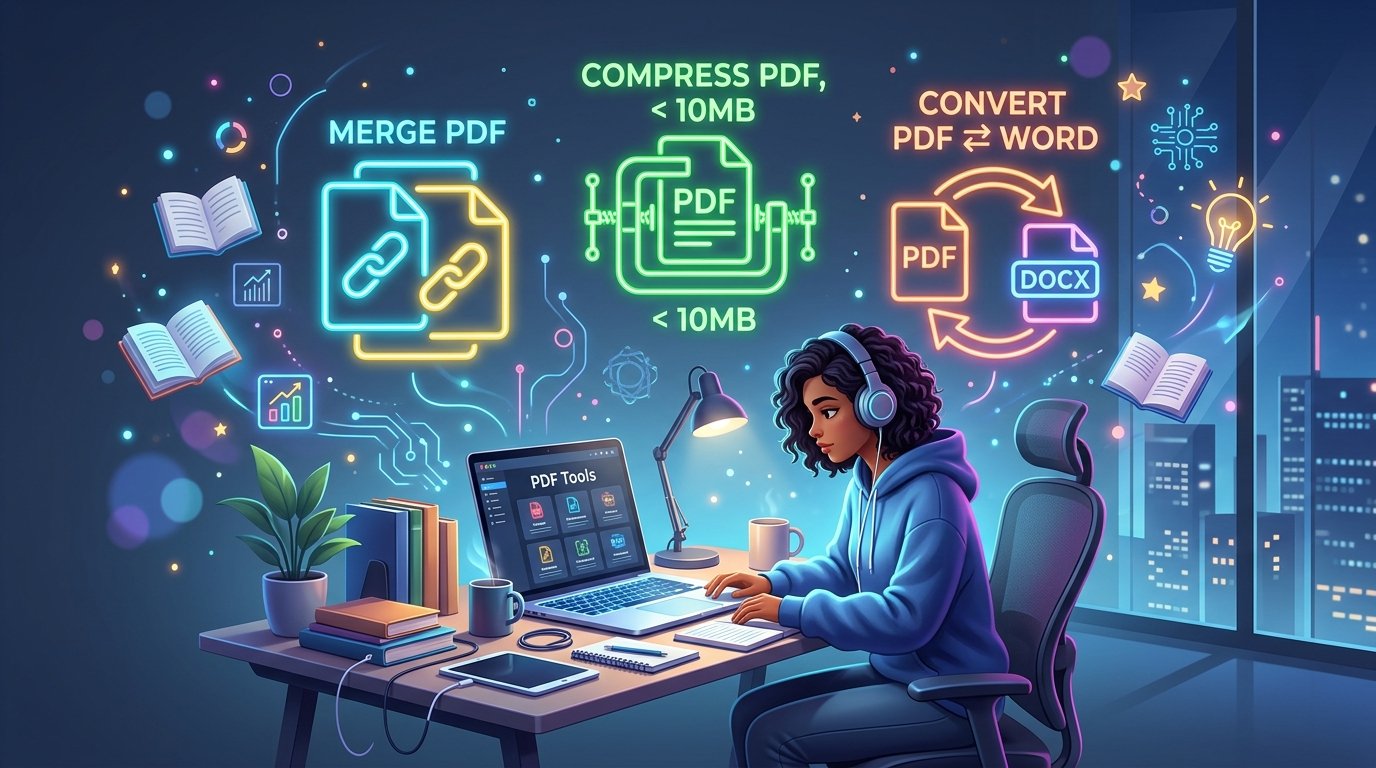
Free PDF Tools for Students – The Complete Guide
The complete guide to free PDF tools for students writing academic papers. Learn to merge, compress, and convert PDFs to save time, follow research standards, and ace your assignments.
Read Full Guide →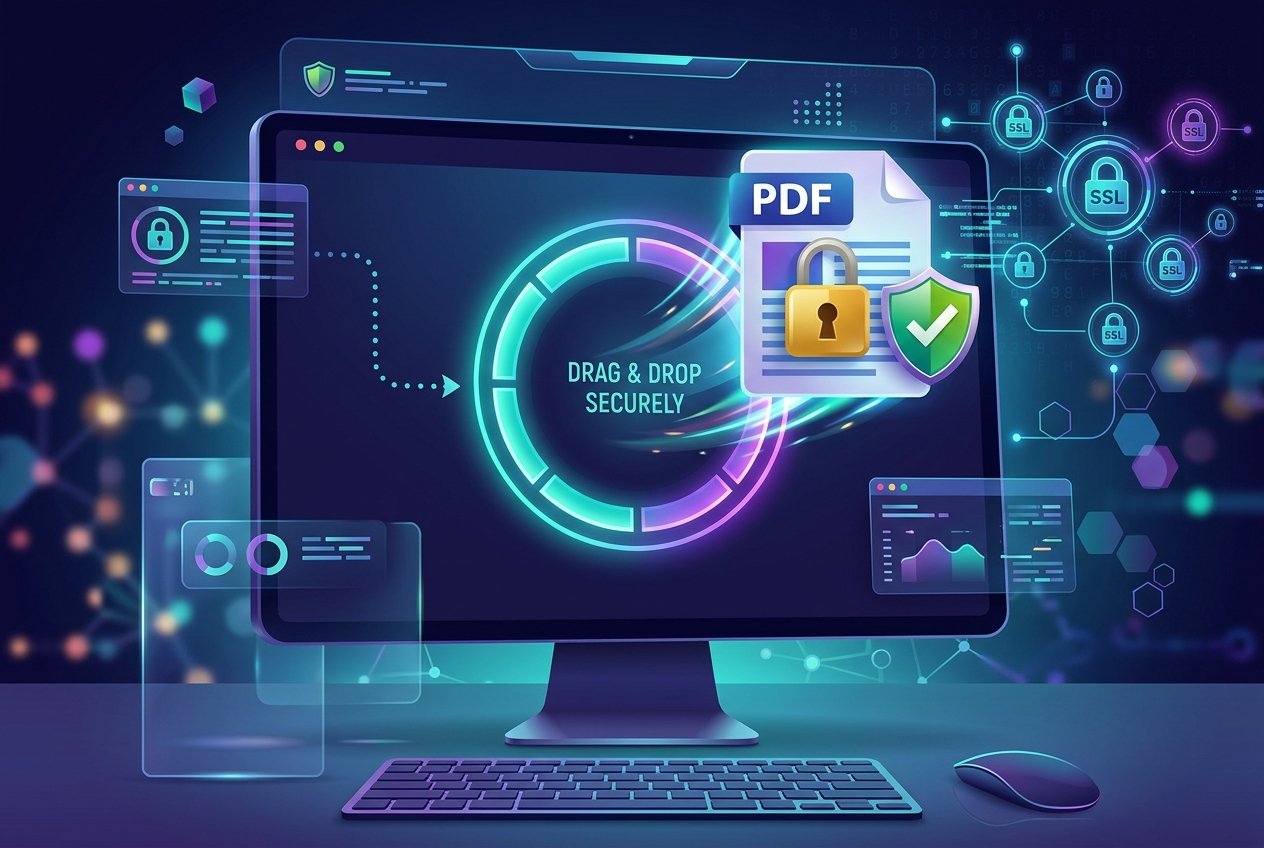
Is It Safe to Upload PDFs Online? A Real Answer
A plain-language look at uploading PDFs online. PDFZora explains its own file handling in the Privacy Policy.
Read Full Guide →Engineered For Speed & Privacy
Legal Disclaimer & Terms
Disclaimer: PDFZora is an independent online platform. Current tools are free to use and are provided as they are. Some tools process files in your browser. When server-side processing is required, temporary processing copies on PDFZora's systems are deleted within one hour (60 minutes) after processing finishes. The site uses HTTPS. For the full account, read the Privacy Policy, Data Privacy and Security, About PDFZora, Terms and Conditions, and Contact pages.